What You Will Learn
- What a vision model sees when it reads a candlestick chart
- Where AI is faster and more consistent than manual analysis
- The blind spots that can produce false zones
- A six-point checklist to validate any AI-detected zone
Chapter 1: What the AI Is Looking At
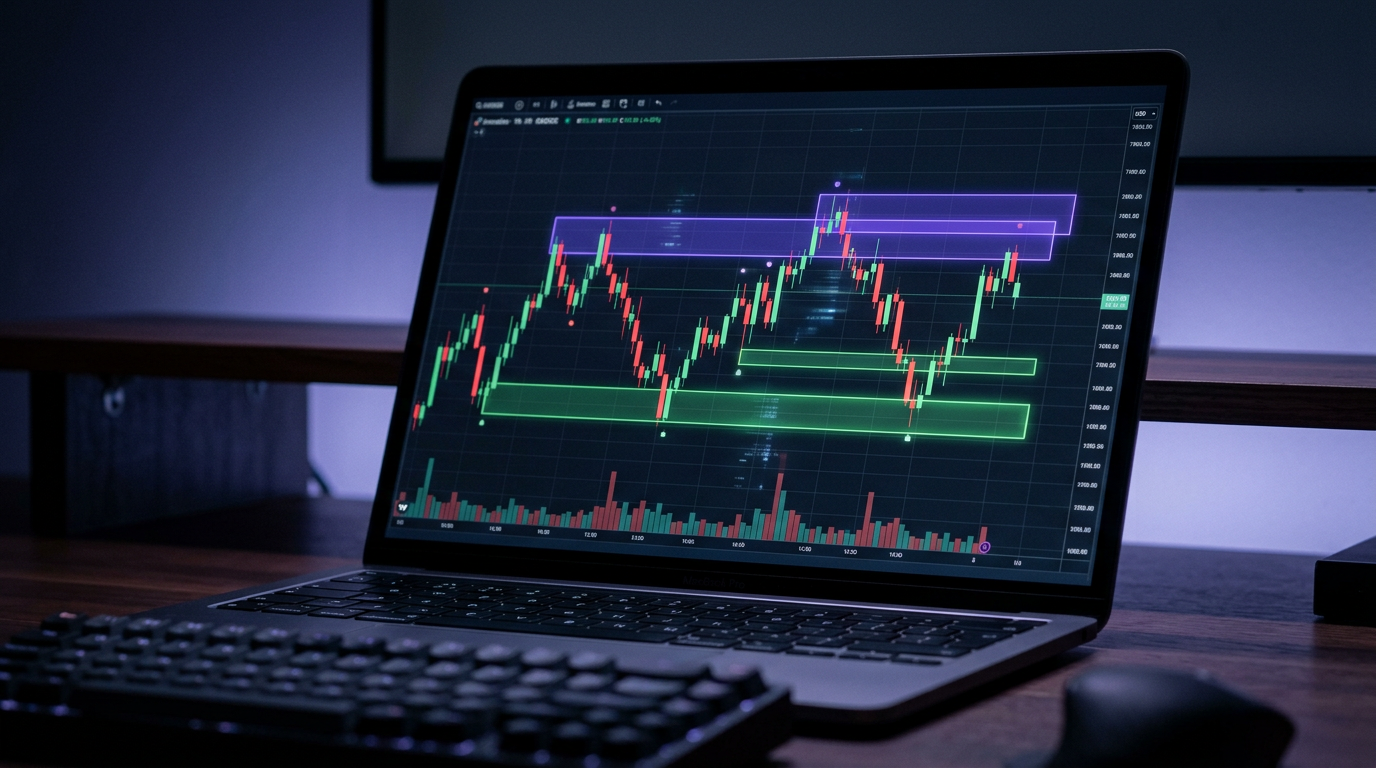
When you send a chart screenshot to an AI analysis tool, a vision model reads the image the way an experienced trader would: it looks at the candles, not at raw data. It finds bases (clusters of small, overlapping candles) followed by explosive moves away from them. Those bases are the candidates for supply and demand zones.
The model then scores each candidate using the same quality factors traders use: how strongly price left the zone, how long it spent there, whether the zone has been retested, and how it fits the broader trend. The result is a short list of zones with a direction, a price range, and a reason.
Detect
Find bases and the impulsive moves that leave them.
Score
Rank zones by departure strength, freshness, and trend alignment.
Explain
Return the levels, the bias, and why each zone qualifies.
Chapter 2: Strengths and Blind Spots
Where AI helps
- Speed: a full chart is analyzed in seconds, not minutes.
- Consistency: the same rules apply on every chart, even after a losing streak.
- No anchoring: it does not cling to a zone you drew yesterday.
- Coverage: you can scan many pairs and timeframes in one session.
Where it can be wrong
- Cropped charts: if the move away from a base is cut off, the zone is misjudged.
- Cluttered screens: indicators and drawings hide candles.
- Unreadable price axis: tiny labels lead to imprecise levels.
- No context: it cannot see tomorrow's news calendar.
How to take a screenshot the AI can read
- Show 100 to 200 candles so both the base and the move away are visible.
- Remove indicators and old drawings, or hide them for the capture.
- Keep the price axis and the symbol and timeframe label visible.
- Use a plain light or dark theme with clear candle colors.
Chapter 3: The Validation Checklist
Treat the AI as a fast, tireless analyst, not as a signal service. Before acting on a zone, run it through these six checks. If it fails two or more, pass on the trade.
Before you trade an AI zone
- The zone sits at the origin of a strong, impulsive move, not in the middle of a range.
- Price left the zone quickly with large-bodied candles.
- The zone is fresh, meaning price has not returned to it more than once.
- It aligns with the higher-timeframe trend or a higher-timeframe zone.
- The distance to the opposite zone gives at least a 2:1 reward-to-risk ratio.
- No high-impact news release is scheduled within your planned entry window.
AI does not replace risk management
A great zone with a bad position size is still a bad trade. Size every position from your stop distance and your fixed risk percentage, no matter how confident the analysis sounds.
Chapter 4: A Practical Workflow
- 1
Scan the higher timeframe
Analyze the daily or 4H chart to get the main zones and directional bias.
- 2
Drop to your entry timeframe
Analyze the 1H or 15M chart, and keep only zones that agree with the higher-timeframe bias.
- 3
Validate and plan
Run the checklist, set entry, stop and target, and calculate your position size.
- 4
Check the news
Make sure no high-impact release lands inside your entry window.
Analyze charts from your phone
Send a chart screenshot to the ChartLab-IQ Telegram bot and get the zones back in seconds, along with the latest market news through /news. Try the bot.
Conclusion: Faster Analysis, Same Discipline
AI removes the slowest and most subjective part of supply and demand trading: finding and drawing the zones. It does not remove the need for judgment. Give it a clean chart, validate what it returns, and keep your risk rules fixed. Used this way, it turns hours of chart work into minutes and lets you focus on the trades that actually meet your plan.
This article is for educational purposes only and is not financial advice. Trading involves substantial risk of loss.
See AI Zone Detection on Your Own Charts
ChartLab-IQ analyzes any chart in your browser and highlights the strongest supply and demand zones, each with an explanation you can check.
Try ChartLab-IQ Free